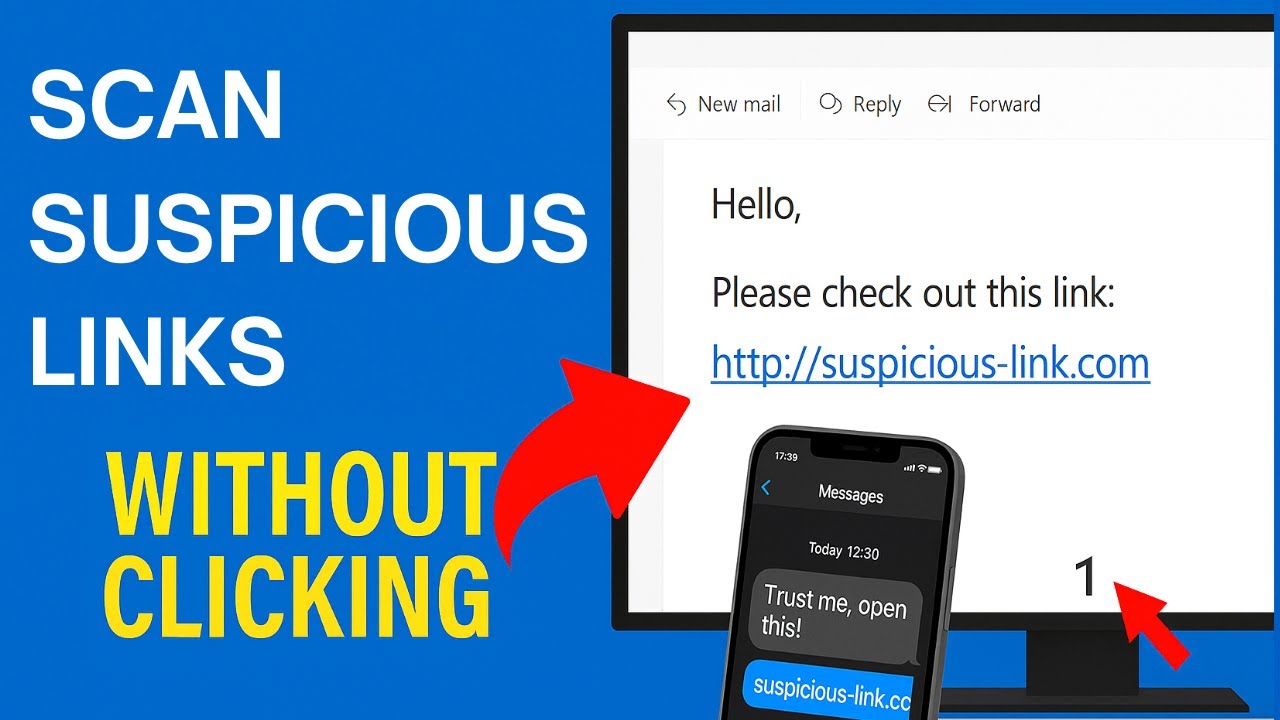
In today’s digital world, where we spend a large part of our lives online, the risk of clicking on dangerous links has never been higher. Every day, cybercriminals send out thousands of scam links through emails, websites, ads, and social media messages. Many of these links look legitimate, but in reality, they are designed to steal personal information, install malware, or trick people into financial fraud. Thankfully, there are tools that can help protect you — and one of the best among them is VirusTotal.
VirusTotal is an online service that allows users to analyze suspicious files and URLs to detect viruses, worms, trojans, and other types of malicious content. It’s completely free to use and owned by Google’s parent company, Alphabet Inc., through its cybersecurity subsidiary, Chronicle. In this article, we will discuss how VirusTotal works, how to use it, and why it’s one of the most trusted platforms to identify whether a link is legit or a scam.
What is VirusTotal?
VirusTotal is an online platform that scans links, files, and even IP addresses or domains using multiple antivirus engines and website scanners. Think of it as a “second opinion” tool that gives you a detailed report about the safety of a link or file before you open it.
It was founded in 2004 by a Spanish security company called Hispasec Sistemas, and later, in 2012, Google acquired it. Since then, it has become a part of the cybersecurity ecosystem used by researchers, companies, and individuals worldwide.
What makes VirusTotal different from regular antivirus software is that it doesn’t rely on just one security engine. Instead, it uses over 70 different antivirus scanners and URL detection services, including top names like Avast, Kaspersky, Bitdefender, ESET, and McAfee.
How VirusTotal Works
When you submit a link or file to VirusTotal, the tool checks it against multiple antivirus databases and online scanners. Each of these scanners analyzes the link and reports whether it’s safe, suspicious, or malicious.
For example, if you upload a link to a suspicious-looking website, VirusTotal will send that link to dozens of different scanning engines. Each engine will give its result — some may say “clean,” others may mark it as “malicious” if it’s known for phishing or malware distribution.
After scanning, VirusTotal shows you a summary report. This report usually includes:
- Detection Ratio – It tells you how many antivirus engines marked the link as harmful. For example, “5/70” means that 5 out of 70 scanners detected it as malicious.
- Detailed Results – You can see which antivirus engines found the issue and what kind of threat they identified (like phishing, trojan, adware, or virus).
- Community Comments – Users and security experts sometimes leave comments or votes indicating whether the link seems safe or not.
- File and Domain Information – For websites, you can also see hosting information, IP address, SSL certificate details, and historical data (how long the site has existed, when it was last scanned, etc.).
How to Use VirusTotal to Check if a Link is a Scam
Using VirusTotal is very easy, even for people who aren’t tech experts. Follow these steps:
- Go to the VirusTotal Website:
Visit https://www.virustotal.com in your browser. - Select the ‘URL’ Tab:
On the homepage, you’ll see options for “File,” “URL,” “Search,” and “API.” Click on “URL.” - Paste the Link:
Copy the suspicious link you want to check and paste it into the box. - Click on ‘Search’ or ‘Submit’:
VirusTotal will now start scanning the link using all available antivirus engines. - Read the Results:
After a few seconds, you’ll see a report. If the majority of scanners mark it as safe, it’s likely legit. But if several scanners flag it as phishing or malicious, avoid clicking it.
Example: Checking a Suspicious Link
Let’s say you receive an email claiming to be from your bank. The message says, “Your account has been locked. Click here to verify your information.” The link might look like your bank’s real website but actually takes you to a fake page.
Before clicking, you can copy that link and paste it into VirusTotal. The tool will instantly analyze it and show whether it’s part of a known phishing campaign. This simple step can save you from losing personal data or money.
Benefits of Using VirusTotal
VirusTotal offers several powerful benefits that make it a must-have security tool:
- Free to Use
You don’t need a subscription or payment to use the basic features of VirusTotal. It’s completely free for individual users. - Multiple Security Engines
Instead of relying on one antivirus program, you get results from dozens of them simultaneously. - Quick and Easy
VirusTotal scans links and files within seconds, giving you almost instant results. - Detects a Wide Range of Threats
It can identify viruses, trojans, phishing links, adware, and even malicious scripts hidden in web pages. - Community Support
Users can comment and vote on whether a file or link is safe, giving you an extra layer of feedback. - Historical Data
VirusTotal stores old scan results, so you can see how long a site has been flagged as dangerous or if it has been cleaned recently.
VirusTotal Browser Extensions
To make link-checking even easier, VirusTotal also offers browser extensions for Google Chrome, Firefox, and Edge. These extensions allow you to right-click any link and check it instantly with VirusTotal without visiting the main website.
For example, if you’re scrolling through social media and come across a suspicious link, you can simply right-click and choose “Scan with VirusTotal.” Within seconds, you’ll see a detailed report in a new tab.
Limitations of VirusTotal
Although VirusTotal is a powerful and reliable tool, it’s important to understand its limitations:
- Not a Real-Time Protection Tool
VirusTotal does not protect your system in real time like antivirus software. It’s a scanner, not a shield. - False Positives
Sometimes, a completely safe file or link might be marked as malicious by one or two engines. Always look at the overall detection ratio before judging. - Limited File Size
You can only upload files up to 650 MB for scanning. Larger files can’t be analyzed. - Doesn’t Remove Malware
VirusTotal can detect threats but doesn’t remove them. For cleaning infected systems, you need antivirus software.
Why VirusTotal Is Trusted Worldwide
VirusTotal has earned global trust because it combines transparency, reliability, and advanced scanning technology. It collaborates with major cybersecurity companies and keeps its database up to date with the latest threat information.
Cybersecurity researchers, IT professionals, and even government agencies use VirusTotal for investigating online threats and malware outbreaks. The platform also provides APIs for developers and companies to integrate VirusTotal scanning into their own applications.
Tips for Staying Safe Online
While VirusTotal is an excellent tool, safe browsing habits are equally important. Here are a few tips to protect yourself from scams and online threats:
- Always verify the source before clicking any link.
- Avoid opening unknown attachments or clicking on links in suspicious emails.
- Check the URL carefully — scammers often use domains that look similar to real ones (like paypaI.com with a capital “I” instead of “l”).
- Keep your software and antivirus updated to block new threats.
- Use multi-factor authentication (MFA) on your accounts for extra protection.
Final Thoughts
In a world full of online scams, phishing attacks, and fake websites, VirusTotal stands out as one of the most effective and user-friendly tools for identifying suspicious links and files. Whether you’re a casual internet user, a small business owner, or a cybersecurity expert, using VirusTotal regularly can help you avoid many digital dangers.
It’s fast, reliable, and free — and it empowers users to make informed decisions before clicking unknown links. So, the next time you receive a link that seems too good to be true, don’t risk it. Copy the link, go to VirusTotal.com, and let this powerful tool tell you whether it’s safe or a scam.